Divinum System Requirements
Official Steam minimums, plus what launch players actually reported.
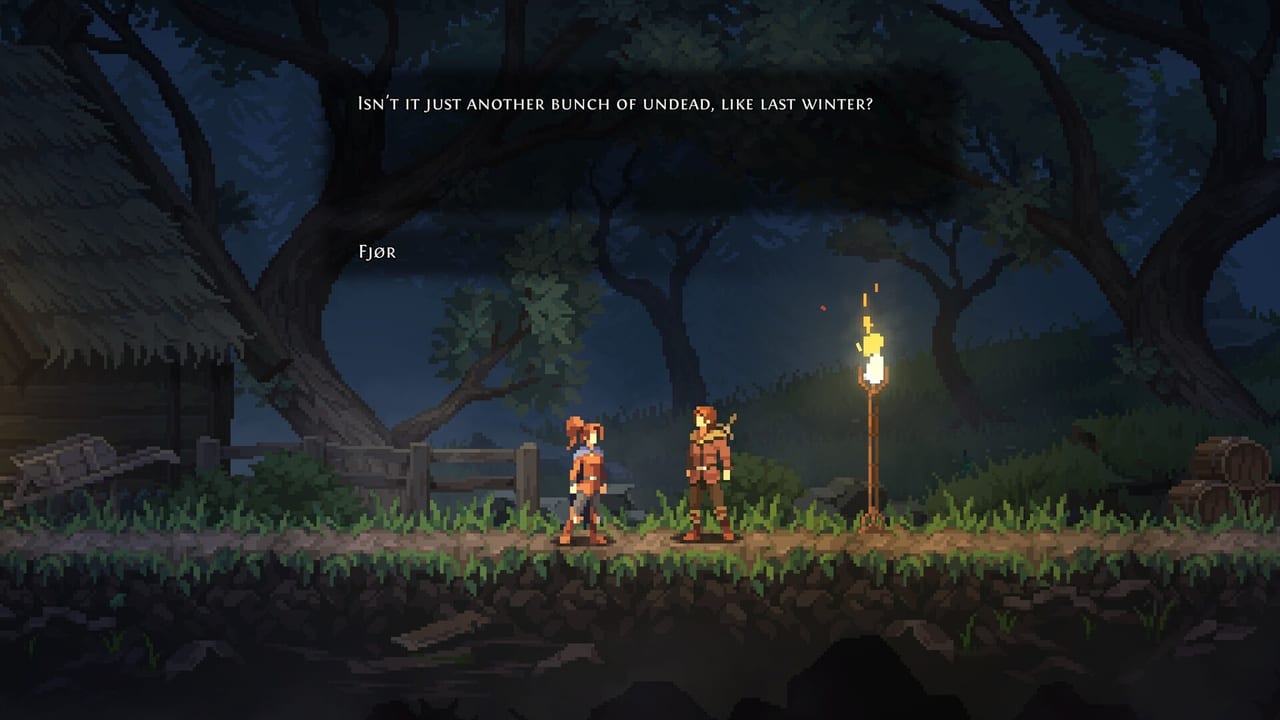
Divinum is a 2D Unity game with a 1 GB install and a gentle minimum spec. That does not mean every laptop is silent. This page copies the official Steam requirements and then adds launch-week caveats from players. For Deck hardware, use Steam Deck. For input, use controls.
Always re-check the store page if you are reading this months later.
Windows (official minimum)
- 64-bit OS: Windows 7 / 8 / 10 / 11 listed on the store (Steam itself only supports Windows 10 and later as of 2024, which is the practical floor).
- CPU: Intel Core i3-6100 or AMD Ryzen 3 1200.
- Memory: 4 GB RAM.
- GPU: GeForce GTX 560 Ti or Intel Iris Xe.
- Storage: 1 GB available space.
- Additional notes: 16:9 recommended.
Recommended specs beyond “64-bit OS” were not filled in as a separate table on the store page at launch. Treat the minimum as the honest document.
macOS (official minimum)
- macOS 10.15 Catalina.
- CPU: Intel Core i5 or Apple Silicon.
- Memory: 4 GB RAM.
- Storage: 1 GB available space.
The game launched on Mac the same day as Windows. Apple Silicon is explicitly named. If you are on an older Intel Mac below i5, you are outside the table.
Linux
Not a Steam platform at launch. Proton may work; it is not a promise from Sigil Games. Deck is a different, Verified path.
What launch players added
A positive review still mentioned performance issues on a very weak machine. Official minimums being old does not cancel thermal throttling, 720p-on-a-4K-panel upscaling costs, or a dozen Chrome tabs. If you hitch:
- Force 16:9. Ultrawide is not the recommended extra.
- Cap FPS. Stylish combat reads better at a stable 60 than a wild 140.
- Close overlays you do not need. The combo counter is already an overlay.
- Do not chase max particles during a trial you are learning.
Collision bugs (ledge clip) are not spec problems. They need a menu-quit, documented on launch notes.
Display and comfort
16:9 is recommended because the island, HUD orbs, combo counter, and boss bars are authored for that rectangle. Camera comfort exists as a Steam accessibility feature — turn it on before you blame the GPU for motion sickness.
Custom volume sliders matter more than people think. Several reviews praise musical swing cues. If those cues are buried, your perfect blocks get worse and you will swear it is a frame-rate issue.
Storage and cloud
1 GB is tiny. Steam Cloud is on, so a second PC should resume. If Cloud fights a local save after a crash, let Steam reconcile before you assume a deleted file. We will only write a dedicated save-path page if PCGamingWiki and players agree on a stable folder; at launch that wiki page was still mostly empty.
Buying advice tied to specs
If your machine is near the minimum, play the demo. The combat slice is the expensive part of the frame budget. If the demo juggles smoothly, the island will too. If the demo hitch-steps, no rune build will fix it.
If you are well above spec, skip this page and go to getting started. Hardware is not the wall. Timing is.
Frequently Asked Questions
Quick answers to the most common questions.
Can I run Divinum on 4 GB of RAM?
Yes — 4 GB is the official Windows and macOS minimum. Close background apps if you hitch, and read the caveats on this page.
Does Divinum support ultrawide?
Steam recommends 16:9. Treat ultrawide as unpromised. If you use it, watch for HUD and camera oddities.
Is there a Linux build?
Not at launch. Windows, macOS, and Steam Deck Verified are the supported paths. See Steam Deck for handheld hardware.